Care management, without the headaches.
Caretora brings scheduling, the five clinical NDIS service modules, compliance, staffing, invoicing, and billing into one system built specifically for NDIS providers — so your team spends less time reconciling spreadsheets and more time delivering care.
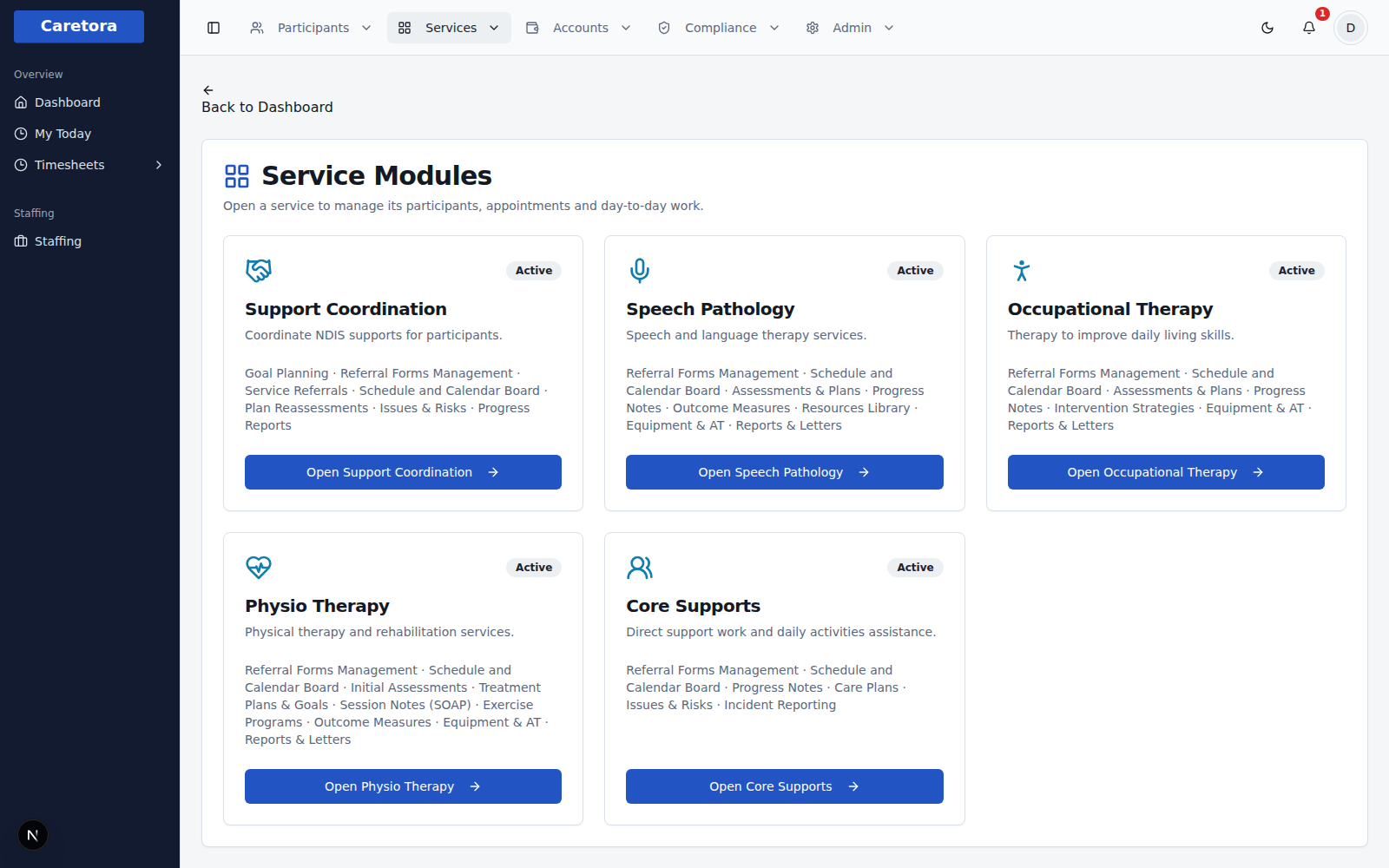
One system, every NDIS service you deliver
Five clinical service modules, each with its own referrals, scheduling, assessments, notes and reports — subscribe to only the ones your organisation runs.
Support Coordination
Coordinate NDIS supports for participants.
Speech Pathology
Speech and language therapy services.
Occupational Therapy
Therapy to improve daily living skills.
Physio Therapy
Physical therapy and rehabilitation services.
Core Supports
Direct support work and daily activities assistance.
Everything else a provider needs
Beyond clinical service delivery — the operational and admin work that comes with running an NDIS provider.
Scheduling & rosters
One shared schedule board across every service module, with bulk actions and conflict-aware rostering.
Compliance & reporting
Live document, staff, and incident compliance tracking — audit gaps surface before they become findings.
Invoicing & claims
NDIS-rate-aware billing from logged services through to claims, with a full audit trail.
Documents & records
Directory-organised participant documents, clinical notes, and case records in one place.
Staffing & SCHADS
Shift analysis, award classifications, pay loadings and split-shift detection built around SCHADS rules.
Role-based access
Every account is scoped to a role and, if you choose, to specific service modules — no more shared logins.
Full audit trail
Every clinical record, roster change, and admin action is logged against who did it and when.
Built for NDIS providers
Purpose-built for the workflows an NDIS provider actually runs, not a generic case-management tool.
See it in action
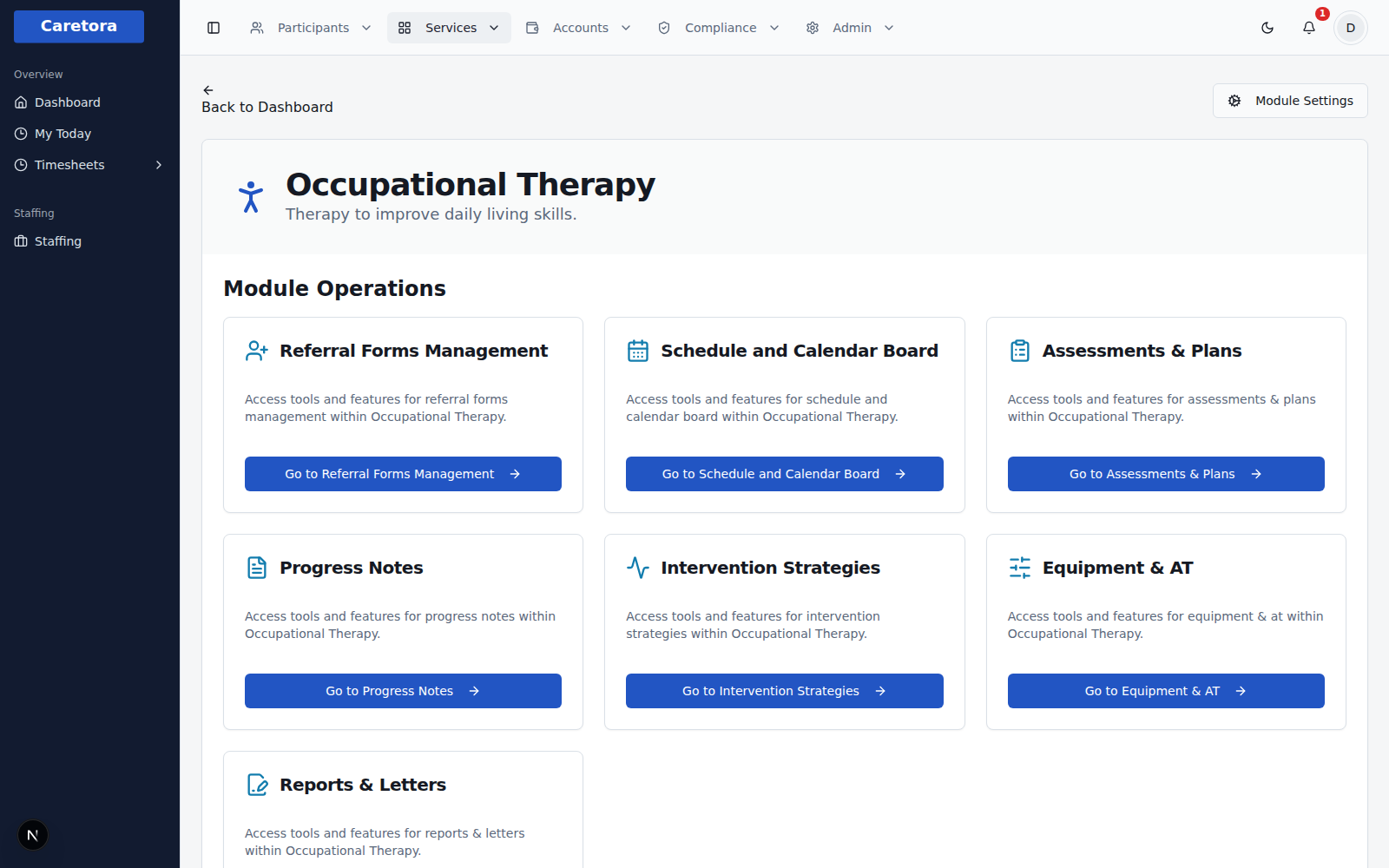
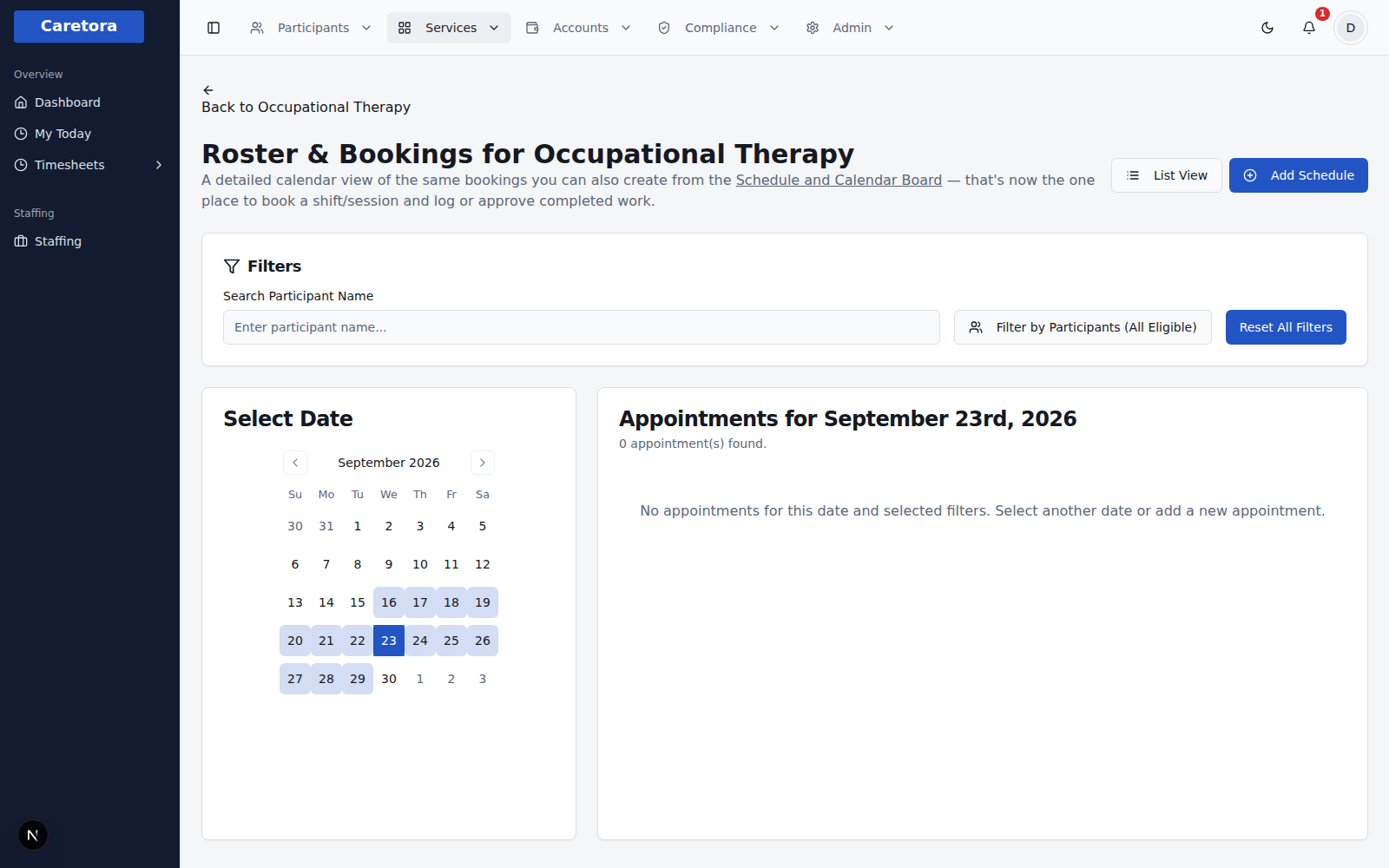
Real screens from the product — every module gets the same consistent set of operations.
Rostering that actually understands the SCHADS Award
Every shift is checked against the Social, Community, Home Care and Disability Services Award automatically — penalty rates, overtime, broken shifts, minimum engagement and rest breaks, calculated and explained before you publish the roster.
Penalty rates, applied automatically
Afternoon, night, Saturday, Sunday and public holiday loadings are calculated per shift — no manual award lookup tables to maintain.
Overtime called out before it happens
Daily and weekly thresholds are tracked per employee, with the exact rate that applies and how many hours are left before overtime starts.
Split shifts done correctly
The right broken-shift allowance is calculated automatically, and a 3-portion broken shift is held until the employee's documented agreement is on file.
Casual vs. permanent, made visible
A nudge when a “casual” is working regular enough hours that a permanent contract would cost less than the casual loading.
15+
SCHADS rules checked automatically
Every time a roster is published — rest gaps, meal breaks, minimum engagement, split-shift spread, consecutive-day limits and more, flagged with the exact shift, date and dollar impact.
Ready to bring it all into one system?
Start a free 3-day trial of any module, sign in if your organisation is already set up, or get started to have your organisation onboarded.